


3.1.23. ZoIPer
To call forth the "Option" menu, You must right-click on the try icon (a small head with a headset) and click "Options", right-click on the ZoIPer window (anywhere in the withe unactive space of the softphone) and again click "Options", or simply pres "Alt+O" while the ZoIPer is the active window.
Protocol options:
Here is how the "Protocol options" -> "SIP options", "IAX options" and "RTP options" should look like:
We strongly reccomend that you do not change thise options unless You specificly know what are You doing!
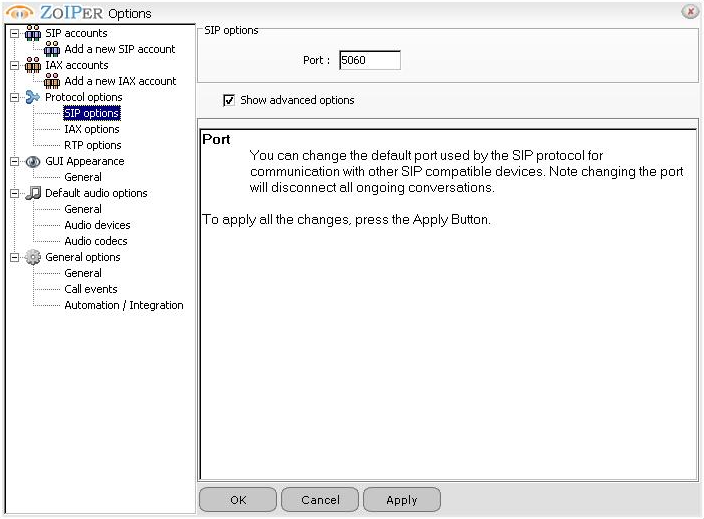
"SIP options":
Here You can change the port wich the SIP protocol will use (listen/transmit):
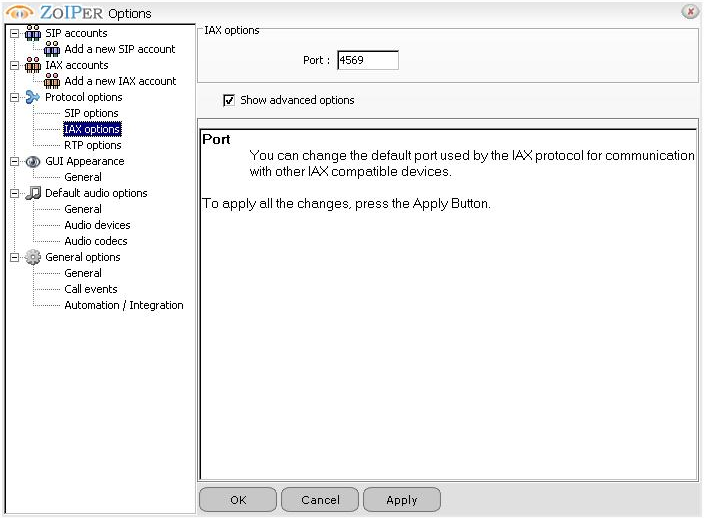
"IAX options":
Here You can change the port wich the IAX/IAX2 protocol will use (listen/transmit)
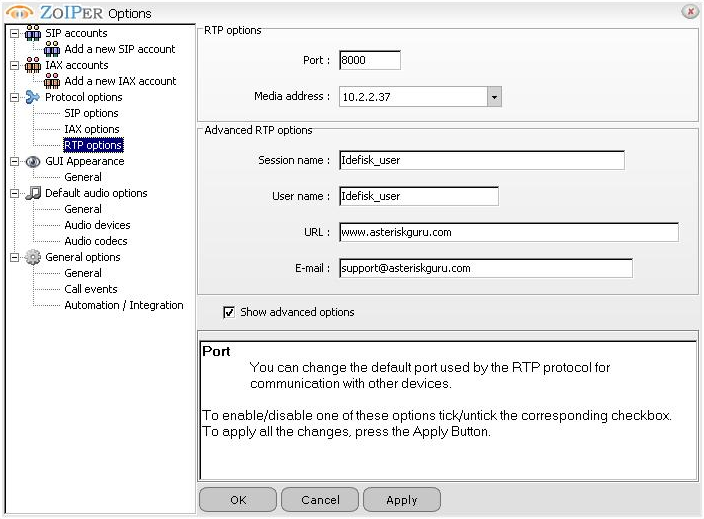
"RTP options"
Here You can change the RTP port and also if You have more than one network controler there is a "select-box" in wich You can tell the ZoIPer Softphone wich interface to use (shown by theyr IP addresses):
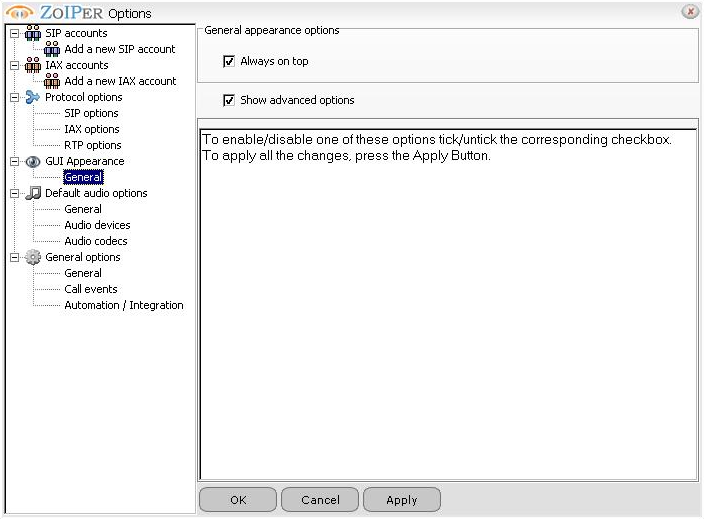
Appearance options:
"GUI Appearance" -> "General" option:
Audio options:
- please take a notice that this option is specific according to the audio card You have, it is a options influenced by the hardware that You have, so it is very likly that the audiocard on your computer is different from the one on ouer test machine
Here how the "Default audio options" -> "General", "Audio Devices" and "Audio Codecs" looks on our test machine:
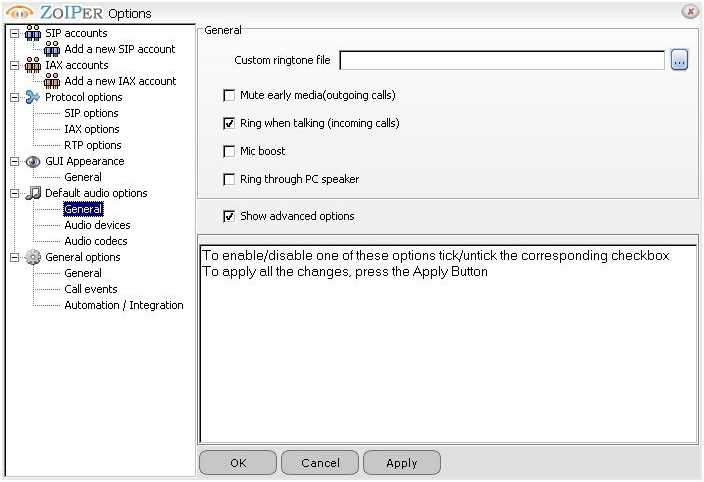
"General":
Micelenious options about the way ZoIPer audio options (like "Ring when talking" and "Microphone boost"):
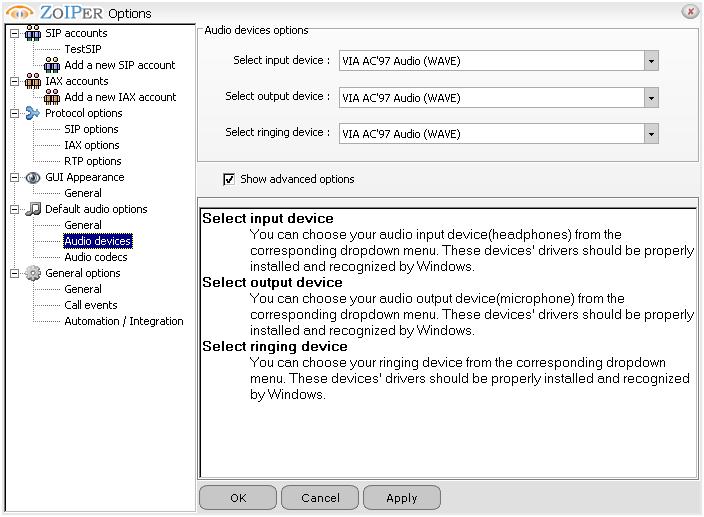
"Audio Devices":
Here You can select the hardware audio device you want your ZoIPer to use:
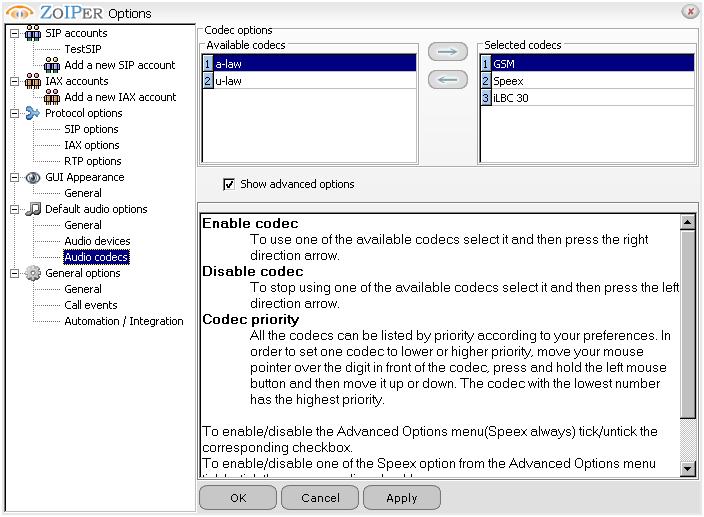
"Audio Codecs":
Here You can specify from a list of present codecs which one You like it to use and which not to, and to specify the the order of prefered one over another codec (in the left under the "Avaliable coddecs" is the list of codecs that the ZoIPer have, but are not active and it will not use them, while on the right side under the "Selected codecs" are the one active and the ZoIPer will attempt to negoshiate with them with the VoIP server in order of preference - as they are enumerated from 1 to the count of them, from top to the bottom):
General options::
Here are options coresponding to how the ZoIPer should start, should it pop-up or not on incoming call and should it be asociated with "call" requests from URL:
"General":
Here You specify how the ZoIPer should start - should it start minimized in tray, should it start automaticly with windows and should it check for updates:

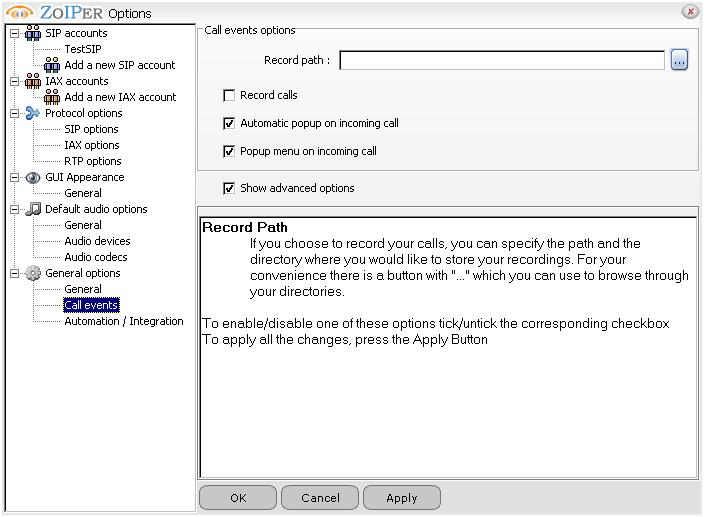
"Call events":
Here You specify should the ZoIPer pop-up on incoming call, also should it record the calls and where to store them:
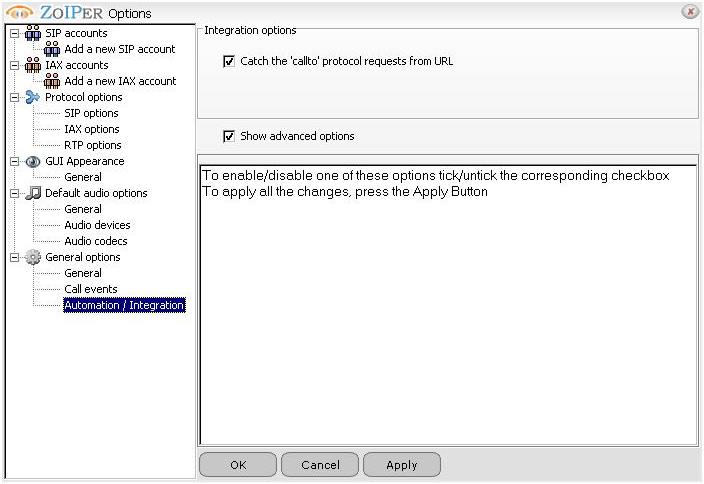
"Automation integration":
Here You specify the option shoul the ZoIPer respond tho an URL containing "callto" protocol requests:
Contents:
| Add Comment |
Latest Headlines:
-
T.38 faxing with Zoiper 2.15 is now easier than ever
section: voip software
-
Asterisk 1.4.21 Released
section: Asterisk
-
Asterisk 1.4.20 Released
section: Asterisk
-
Asterisk 1.4.20-rc2 Released
section: Asterisk
-
Asterisk 1.4.20-rc1 Now Available
section: Asterisk
- News Archives (older news)
Latest Tutorials:
-
Sending Fax from Zoiper to Zoiper using T.38
added 08/Dec/2008 18:16
-
VMAuthenticate (dialplan application)
added 01/Mar/2008 15:57
-
Siptronic ST-530
added 06/Nov/2007 17:57
-
Siemens C455 IP hardphone
added 05/Nov/2007 10:24
-
Zoiper
added 22/Oct/2007 17:53
Latest Comments:
-
https://m.facebook.com/media/set/?set=a....
tutorial: Installation on Slackware
-
https://github.com/SB01-Civil-War-2024-S...
tutorial: General Installation
-
https://bento.me/voir-challengers-en-str...
tutorial: Configuring IP Phones for use with Asterisk
-
https://bento.me/films-voir-un-ptit-truc...
tutorial: Request to schedule in the past?!?!
-
https://bento.me/guarda-film-godzilla-e-...
tutorial: Request to schedule in the past?!?!